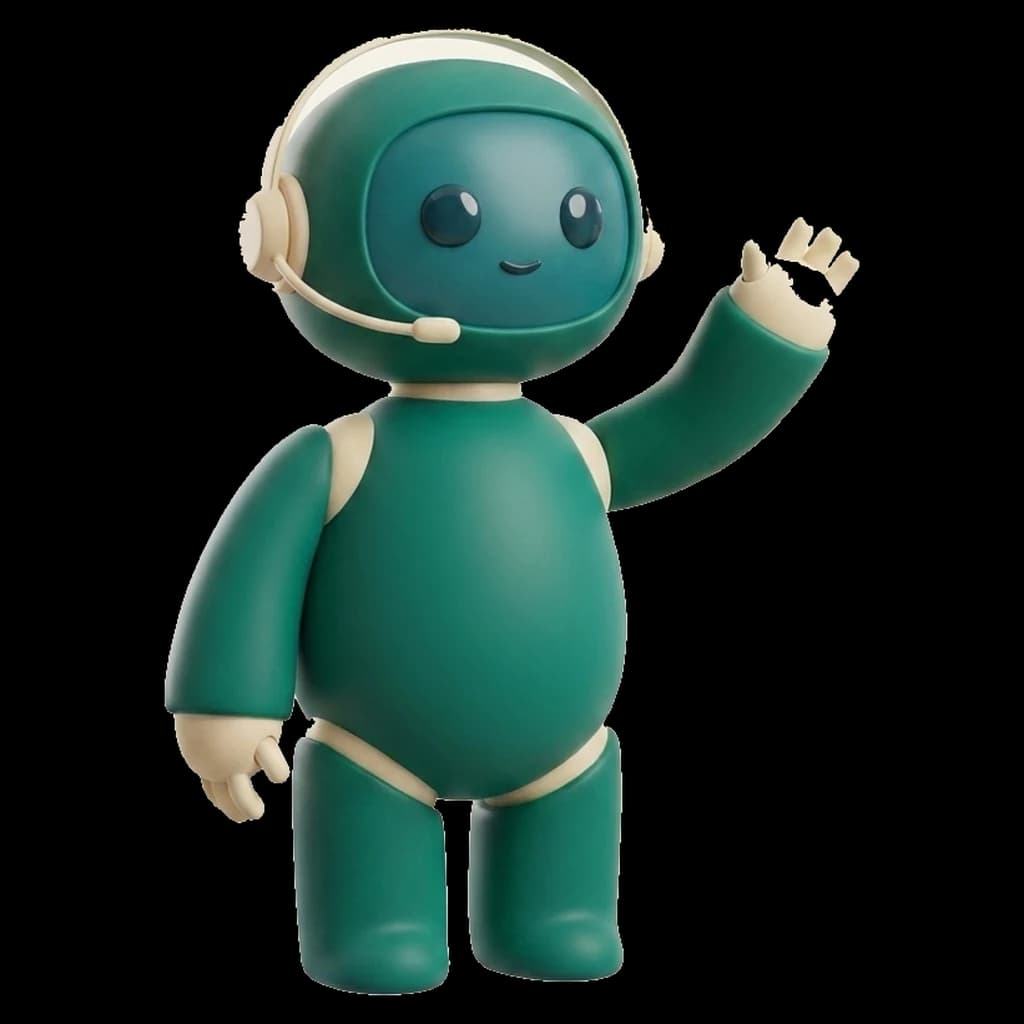
Customer Support Specialist
Your customer support team just gained another pair of hands.
Handle customer service and support, end to end.
What Maya can do
- Answer customer emails
- Classify support requests
- Analyse customer attachments
- Prepare warranty decisions
- Follow up unresolved cases
- Escalate sensitive requests
EmailsTicketsRefund requestsWarranty analysisCustomer sentimentFAQImage & document analysis
Typical workday — today
- 09:42Answered 14 customer requests
- 10:08Escalated warranty case #84291
- 10:31Updated CRM contact
- 11:17Followed up 8 unresolved tickets
Integrations
Maya works inside the tools you already use.
- Gmail
- Outlook
How Maya learns your business
Add your website, documents and procedures to the Company Brain. Maya studies them during onboarding — your products, your policies, your tone of voice — and keeps learning from every validated decision.
Autonomy levels
- Level 1 — Draft only. The AI prepares the work. You approve everything.
- Level 2 — Assisted. The AI handles routine tasks. Sensitive actions require your approval.
- Level 3 — Autonomous. The AI completes approved workflows automatically.
Frequently asked questions
Can Maya issue refunds on her own?
Only if you allow it. By default, refunds require human approval in the Approval Center. You can configure autonomy per action.
How does Maya learn our support policies?
You add your policies, FAQs and past conversations to the Company Brain. Maya uses them for every answer and cites the source internally.
What happens with angry or sensitive customers?
Maya detects sentiment and escalates sensitive conversations to your team instead of answering automatically.